
GTA 6: How to Remove Guns From Your Inventory
By GTA EXP Team · Updated 22 Nov 2026
Quick answer
Go to an Ammu-Nation weapon locker and open Manage Weapons. Highlight an unwanted gun, then choose Remove from Trunk: Square on PS5 or X on Xbox. You still own it and can add it back later.
Before you start
- Access to an Ammu-Nation store with a weapon locker
Buying every gun seemed like a good idea until finding your favourite turned into a scrolling exercise. You can trim that list down at Ammu-Nation and keep the weapons you actually use close to hand.
How to remove unwanted guns at Ammu-Nation
- 1Go inside an Ammu-Nation with a green weapon locker.
- 2Approach the locker and choose Manage Weapons: Triangle on PS5 or Y on Xbox.
- 3Highlight a gun you want to remove from your trunk selection.
- 4Choose Remove from Trunk: Square on PS5 or X on Xbox. Repeat for the other guns you do not use.
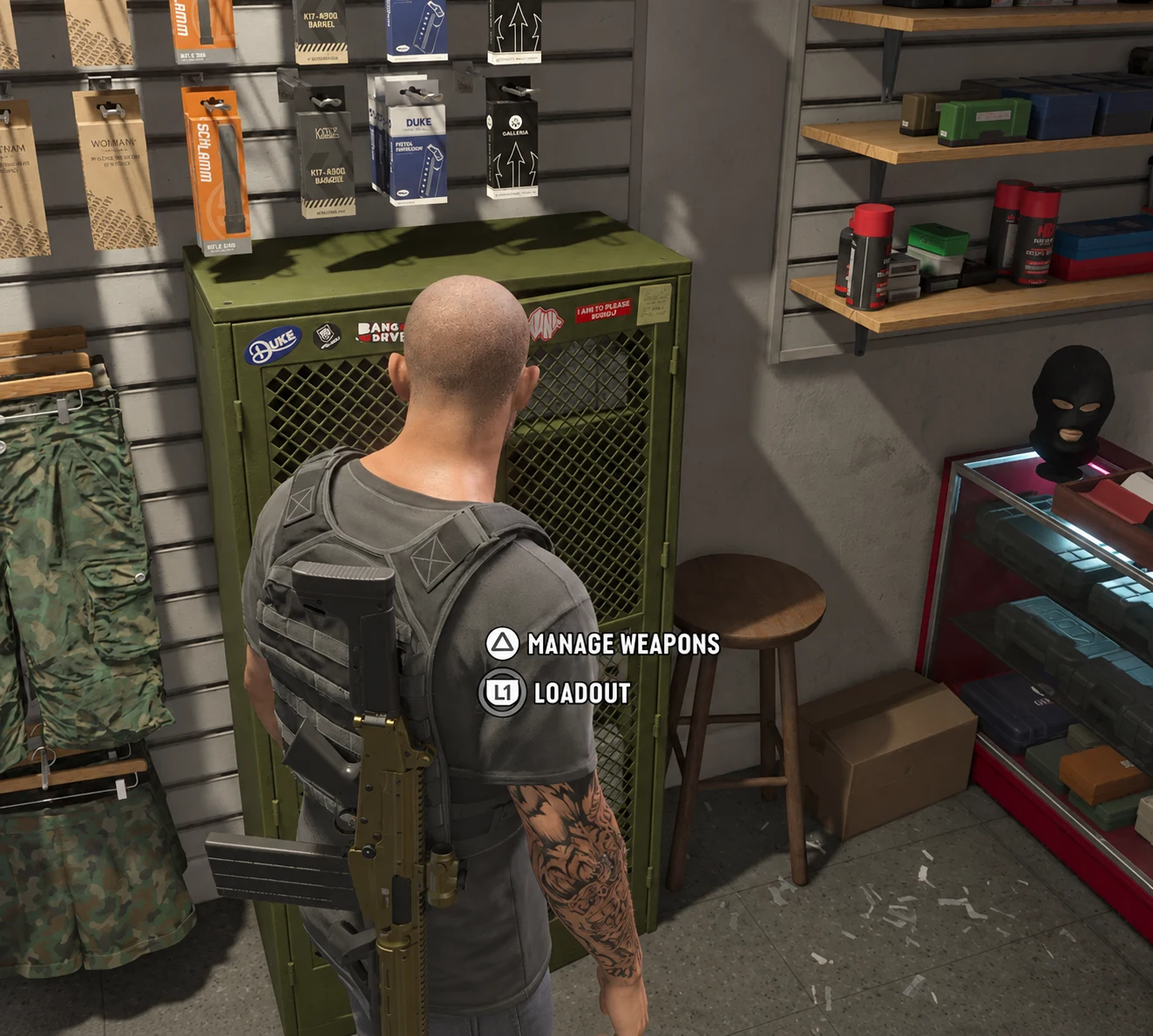
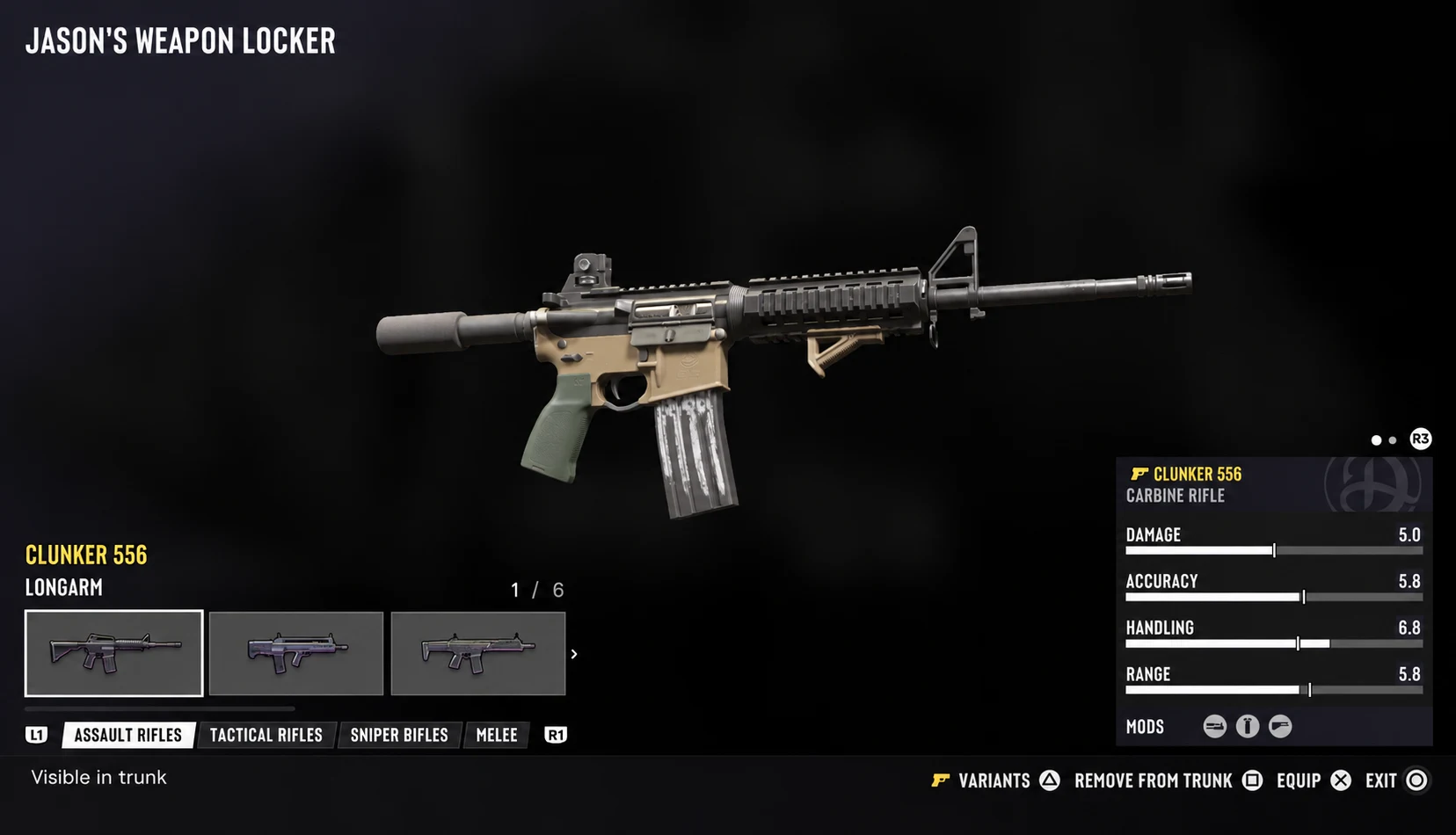
If the button prompt says Add to Trunk, that gun is already excluded. Leave it that way to keep it out of the selection.
Weapon wheel or trunk inventory: what does this change?
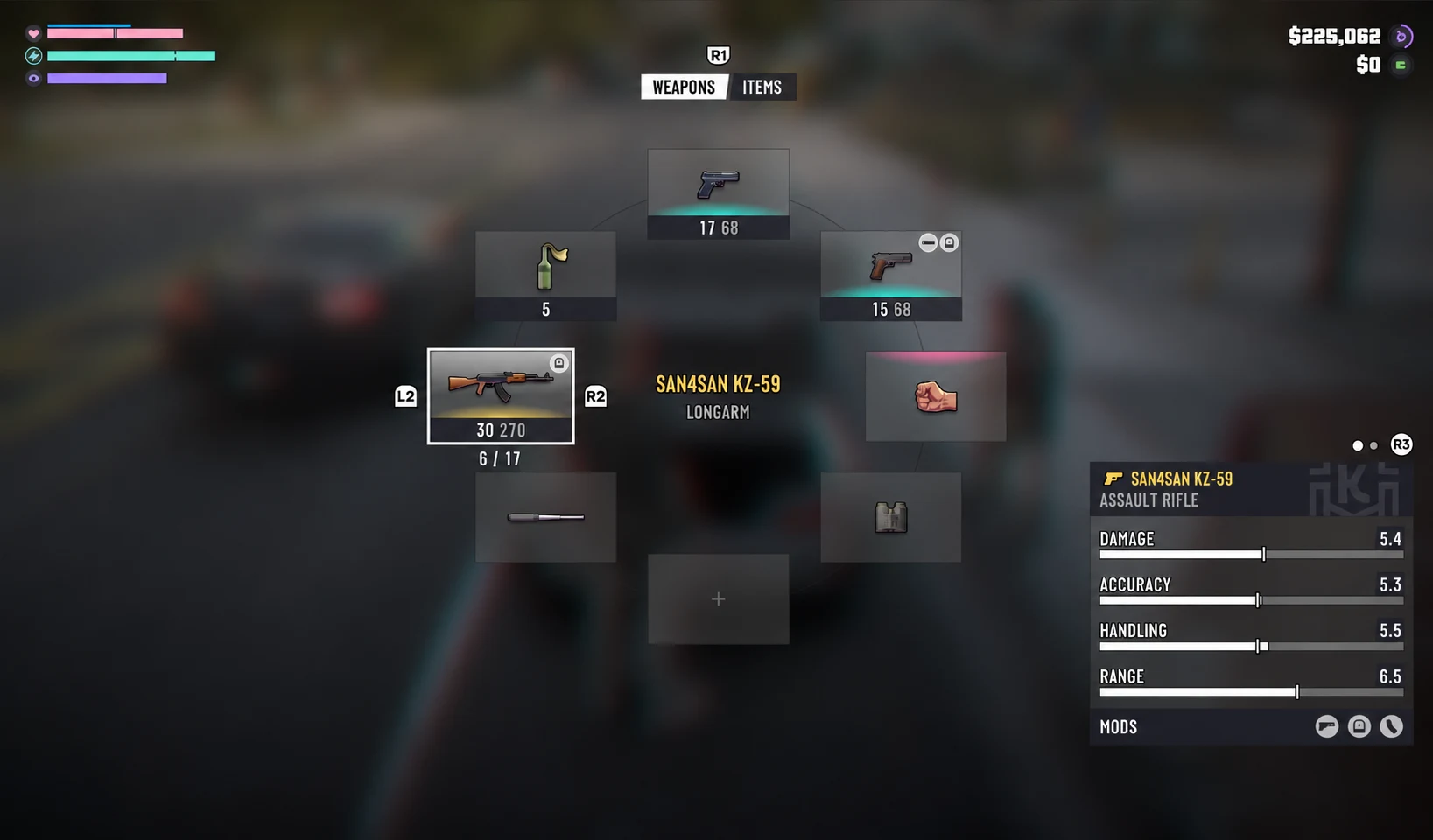
This cleans up the stored weapon list you cycle through when choosing guns at your personal vehicle. Your carried loadout has separate slots. Use the locker or your personal vehicle’s trunk to equip the guns you want to carry.
Can you get removed guns back?
Yes. Purchased guns remain owned. Return to Manage Weapons, select the gun and use Add to Trunk to make it available again. You do not need to buy it a second time.
Can’t find the weapon locker?
Look for the green cabinet inside the gun shop. Some pawn-shop locations do not have one, so visit another Ammu-Nation if you can only find the purchase counter.
If a gun has disappeared and you want it back, the weapon-storage guide covers recovering purchased weapons and finding them in your personal vehicle.
Keep exploring
Browse more vehicles